
LiteLLM: a key deleted in May but never revoked led to a poisoned release
LiteLLM's root cause analysis traces the malicious 1.107.0 release to an administrative key that was removed from a public repository in May but never revoked. How one forgotten key reached the release pipeline, and the habits that close the gap.
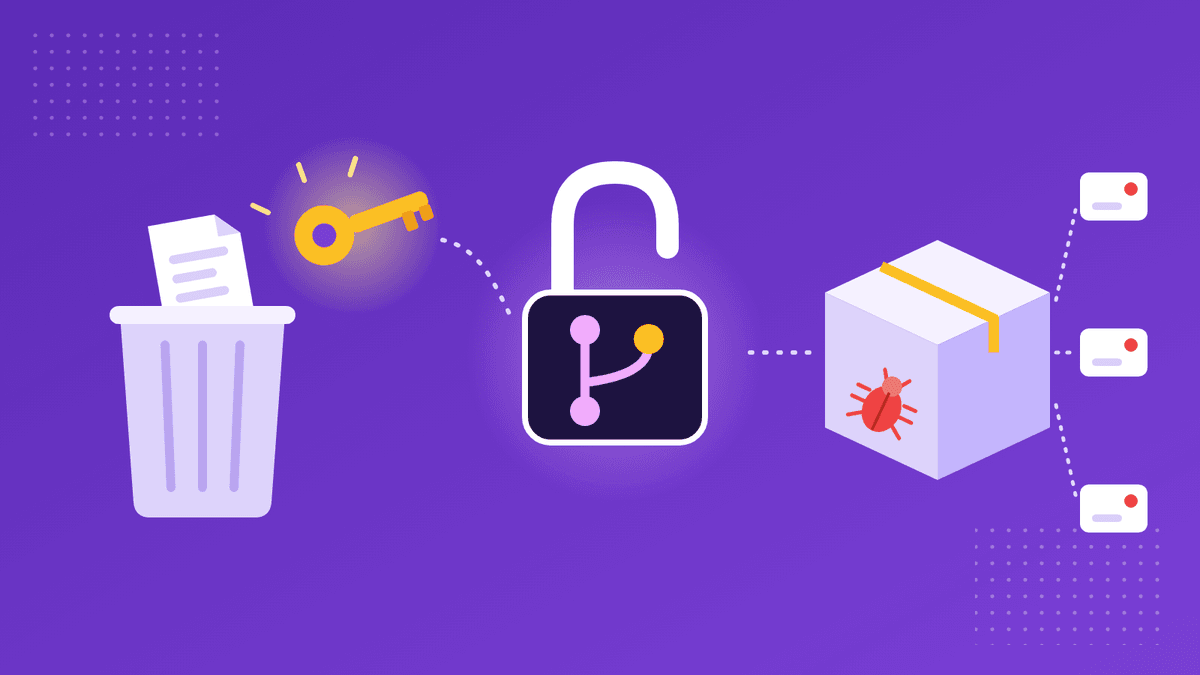
What we know as of November 5, 2026, from LiteLLM's root cause analysis of October 23, 2026 and its incident post of October 21. Figures are theirs.
On October 21, a poisoned release of LiteLLM, the popular open-source gateway that sits between applications and AI model providers, went out on PyPI and on LiteLLM's container registries. According to LiteLLM, version 1.107.0 contained malware that steals credentials and loads remote code execution tools. The PyPI package was live for about two hours, from 11:39 to 13:23 UTC, and the affected Docker images, including the latest, main-latest and main-stable tags, were up until 14:20 UTC. LiteLLM says customers on its private enterprise registry were not affected.
The malware is the part that made headlines. The part worth studying is how it got there, because LiteLLM's own write-up traces the whole chain back to one credential that was cleaned up but not switched off, nearly five months earlier.
How did one deleted key become a poisoned release?
On May 27, a configuration file was committed to one of the company's public repositories. LiteLLM says it contained an administrative key for an internal deployment of an experimental service, the LiteLLM Agent Platform. The mistake was spotted, and about three hours later a follow-up commit deleted the file. The key was noted as needing revocation, but in LiteLLM's words, "because of human error, nobody followed through." The original commit stayed in the repository's public history until October 22, and the key still worked more than four months later.
On October 10, an attacker used it. The Agent Platform files pull requests on GitHub, so it held a GitHub token, and one request to its API returned the configuration of every managed agent, token included. That token was not a narrowly scoped personal access token. LiteLLM says it was the GitHub CLI OAuth token of one of the company's two GitHub organization owners, and notes that such tokens are not scoped to particular repositories and are not subject to GitHub's re-authentication prompts for sensitive actions. From that moment, the attacker had owner-level control of the organization.
What did the attacker do with owner access?
They collected more credentials. Within an hour, according to the timeline, the attacker pushed throwaway branches to two repositories whose CI workflows posted repository secrets to an outside endpoint, then deleted the workflow runs. Those secrets included the GitHub CLI tokens of two more maintainers. Two days later a second round of exfiltration swept secrets from a range of private repositories, which LiteLLM describes as minimally sensitive secrets and lightly funded provider keys used in testing.
Then they waited. On October 21, the attacker changed LiteLLM's private release workflow so it could build from a source other than the official repository. Branch protection rejected the push from one maintainer's token, so five seconds later the change went in with the owner's token, which could override the protection. The attacker pointed the build at a lookalike GitHub organization with a near-identical name, used one stolen token to start the release and another to approve the production gate, then used a third to delete the run records and force-pushed the history clean.
LiteLLM explains that its normal release process had one more safeguard. Publishing usually needs approval from a special account tied to a physical device in its office. That rule had been relaxed earlier that week to allow faster bugfix releases, so any two engineers could trigger and approve one. The company also points out that an owner's token could have removed the restriction anyway, and that the attacker likely used separate identities to keep the audit log quiet.
What does this mean for people who handle credentials at work?
Most teams have had a moment like May 27: a key lands somewhere it shouldn't, someone notices, the file is removed, and everyone moves on. Deleting the file feels like the fix. It isn't. A key that has been exposed is still valid until it is revoked at the source, and copies may already exist in a repository's history, in clones, in logs or in an attacker's collection. GitGuardian's write-up of the case, published November 4, makes the same point: revocation comes first in any response to a leaked secret.
The second lesson is about scope. LiteLLM says the token in the Agent Platform should have been a personal access token limited to the right repositories and capabilities. Instead it carried owner-level access, and so did anyone who could read the service's configuration. A token stored inside a tool inherits every risk that tool carries. The third is that CI secrets are only as safe as whoever can push a branch. Once the attacker held one powerful token, the repositories' own workflows became the channel for stealing the rest.
None of this needs exotic tooling to catch. It needs an exposed credential to be treated as an open incident until someone has confirmed it no longer works.
What should you do?
If you installed LiteLLM 1.107.0 or pulled the affected Docker tags during the windows above, LiteLLM's incident post says to treat the environment as compromised. Don't run pip or Python there first, because any Python start runs the malicious startup files again. Rebuild from clean artifacts, pin to a known-good version such as 1.106.2, and rotate everything the host could reach: the instance or task role, every provider key stored in the LiteLLM proxy database along with the master and virtual keys, the database password, and any secret in the environment of any process on the host.
For everyone else, the incident is a checklist of habits that are easy to let slip. When a credential is exposed, revoke it at the provider and confirm it fails before you close the ticket; deleting the file or rewriting history is cleanup, not containment. Give each service its own key with only the permissions it needs, and keep owner-level tokens out of tools and CI entirely. Review which secrets your CI can reach and who can trigger workflows that read them. And when a key does need to move between people, send it in an encrypted link that expires after it's opened, rather than in a config file, a commit or a chat thread where it can sit unnoticed for months.
Our guides to sharing an API key securely and sharing .env files with your team cover scoping, rotation and keeping keys out of code, and our post on the Gheist campaign shows another way stolen GitHub tokens are turned against CI secrets.
Sources (checked on November 5, 2026):
LiteLLM: The attack chain behind the v1.107.0 LiteLLM release (October 23, 2026) ·
LiteLLM: LiteLLM release v1.107.0 compromised (October 21, 2026) ·
GitGuardian: Inside the LiteLLM hack (November 4, 2026)
Product names are trademarks of their respective owners. CredenShare is not affiliated with them.
Hand over keys in links that expire, not files that linger
Free plan: 3 shares a day, encrypted in your browser.
Written by
CredenShare
The CredenShare team writes about secure credential sharing, password management, and enterprise security best practices.