
Token spraying: how stolen Microsoft 365 sessions walked past MFA at 79 organisations
Attackers took over Microsoft 365 mailboxes at 79 organisations without guessing a password or defeating MFA, by replaying stolen sign-in tokens. How it worked, why a password reset was not enough, and what to check.
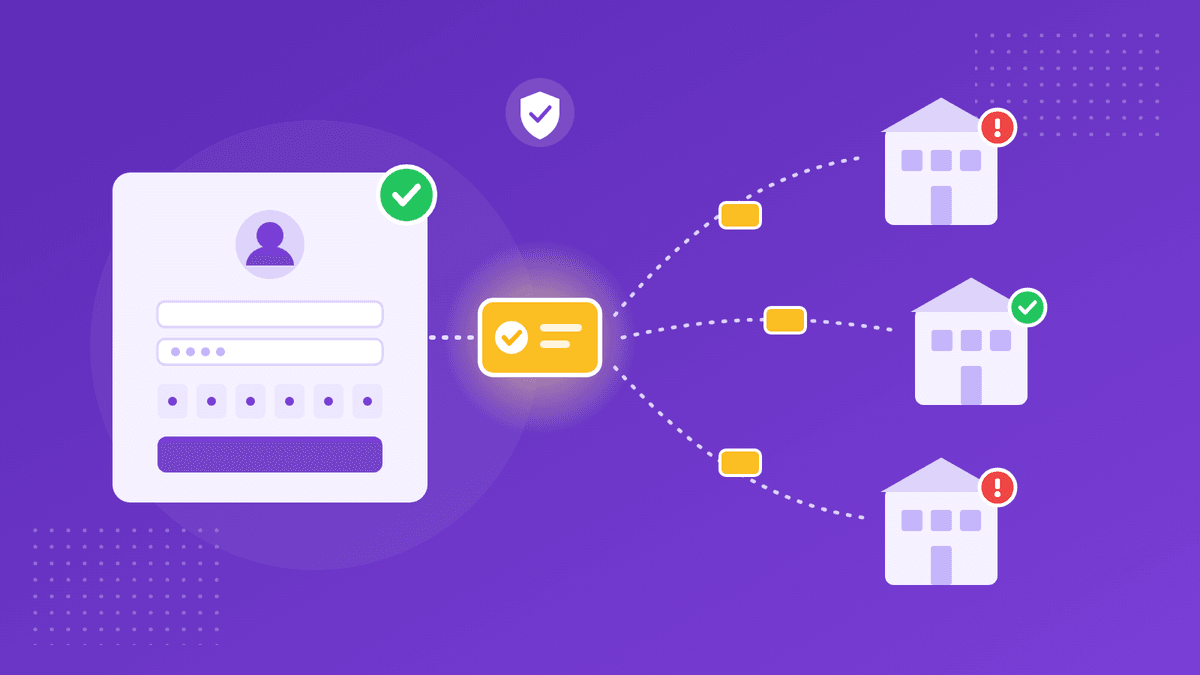
Based on Huntress's report of October 22, 2026. Figures are Huntress's own.
For ten weeks this summer, someone broke into Microsoft 365 mailboxes at 79 organisations without ever guessing a password or defeating a single MFA prompt. Huntress, which detected the campaign between July 14 and September 22, counted 497 successful sign-ins and more than 200,000 failed attempts traced to one block of rented IP addresses, ending in 97 compromised accounts and 48 fake computers registered in victims' directories. The researchers call the technique token spraying: the same pattern as password spraying, but with stolen sign-in tokens instead of guessed passwords.
It deserves attention from anyone who runs Microsoft 365 for a small or mid-sized business, because the victims in Huntress's examples had done what we usually tell people to do. They had MFA, and they completed it themselves. It didn't matter.
How do you get past MFA without breaking it?
You let the victim pass it for you. In an adversary-in-the-middle attack, the victim signs in through a relay that sits between them and Microsoft. The relay shows them the real sign-in page and the real MFA prompt, the victim completes both, and Microsoft issues the token that proves the sign-in succeeded. The relay keeps a copy. Because that token is minted after MFA, whoever holds it does not need to pass MFA again.
Huntress describes the operation in two tiers. Relays behind fake sign-in pages captured sessions. Within minutes, a separate set of rented hosts replayed them: in one July case the gap between the victim reaching the MFA prompt and the hijacked session appearing elsewhere was twelve minutes, and by September it was four. Tokens also came from device-code phishing, where the victim is talked into typing a code on Microsoft's genuine sign-in page and, without realising it, authorises the attacker's session. Because capture and replay ran on different providers, blocking one half did nothing about the other.
Why didn't a password reset fix it?
Because the attacker didn't stay on the stolen token for long. A session token eventually expires or gets revoked, so the first thing the operator did in many accounts was make the access durable. In 19 organisations, Huntress saw the victim's existing MFA methods wiped and a new authenticator registered within three hours of the first sign-in from a campaign address. With their own authenticator on the account, the attacker can approve new sign-ins whenever they like, and that survives a password reset unless someone audits the account's MFA methods. The 48 rogue devices served the same purpose, as a more lasting way to request tokens.
There is a subtler point in the report as well. A password reset ends the refresh token and session cookie, but an access token already issued stays valid until it expires, which Huntress puts at roughly 90 minutes, unless sessions are explicitly revoked. Reset without revoke, and the attacker keeps working for the rest of that window.
What were they after?
Email. Huntress found hidden inbox rules with deliberately forgettable names, a single dot or a few letters, that marked mail as read and moved it to folders nobody opens, such as RSS Feeds or Conversation History. Some rules targeted messages mentioning payroll, direct deposit, bank or bonus. In one case the attacker used a compromised mailbox to send a payroll-related email to an outside accountant, then set a rule to hide the accountant's replies from the real owner. That is the familiar shape of business email compromise, reached here without a single password.
What actually stopped it?
Conditional Access, where it was configured properly. One replay address logged 1,052 blocked sign-ins, and every one of them came from just four organisations; in the 29 where it got in, nothing stood in the way. Huntress draws a practical lesson from that: don't prioritise response by how much spraying a tenant sees, because the noisiest tenants were the ones already protected. A Conditional Access block also happens after authentication succeeds, so it is evidence of a valid credential, not proof that nothing happened.
Huntress's guidance for anyone who suspects a token replay compromise is specific, and worth following in order:
- Revoke sessions and reset the password, together. A reset alone leaves a working access token, and neither step removes devices or MFA methods the attacker added.
- Audit MFA methods and Entra devices. Remove authenticators the user doesn't recognise and look for devices registered from hosting providers, including names like
DESKTOP-followed by eight hexadecimal characters. - Review inbox rules, especially ones with one-to-three-character or punctuation-only names, rules that move mail to RSS or Conversation History folders, and rules keyed on payroll or banking terms.
- Restrict the device-code flow with Conditional Access authentication-flow policies, and require MFA, or block, for all users, all cloud apps and all client app types.
What should smaller teams take from this?
That MFA is a floor, not a finish line. Phishing-resistant sign-in methods, Conditional Access policies that cover every app and client type, and a habit of checking MFA methods and inbox rules after any suspicious sign-in all matter more than they did a year ago.
It is also a reminder of what to do with the new credential once an account has been recovered. The first thing many helpdesks do after a reset is send the user a temporary password, and the quickest channel is usually the same chat or email the attacker may have been reading. Send it in a link that expires after one view instead, with the passcode by phone or text, and make the user change it at first sign-in. Our guide to sending a password securely walks through it step by step.
Sources (checked on October 28, 2026):
Huntress: M365 token spray and replay campaign compromises business email accounts (October 22, 2026)
Product names are trademarks of their respective owners. CredenShare is not affiliated with them.
Recovered an account? Send the temporary password in a link that expires
Free plan: 3 shares a day, encrypted in your browser.
Written by
CredenShare
The CredenShare team writes about secure credential sharing, password management, and enterprise security best practices.