
Why your secure links should come from your own domain
Security training tells people to distrust short links from domains they don't know, which is exactly what a secure-sharing link used to look like. Enterprise teams can now send share and request links on a subdomain they own.
Security awareness training teaches people a simple rule: before you click, look at where the link goes. CISA lists "untrusted shortened URLs" among the common signs of phishing. Microsoft's guidance on protecting yourself from phishing warns about links that point to a third-party site not affiliated with the sender. Both are good advice, and both put a secure-sharing link in an awkward spot.
When your team sends a client a credential through CredenShare, the link has until now started with crs.sh. That is a short domain the client has probably never seen, belonging to a company that isn't the one emailing them. A recipient who has listened to their training has every reason to hesitate, and some will forward the message to their IT team instead of opening it. That is the right instinct, and it is a poor experience for a link you sent on purpose.
What changed?
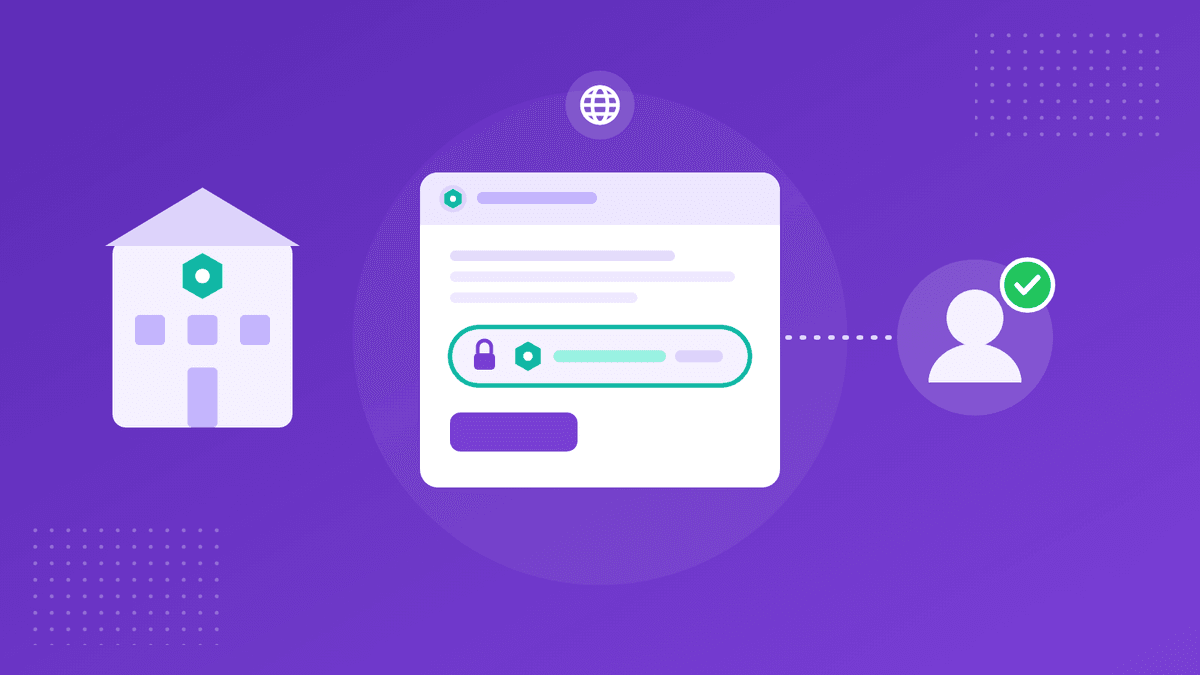
Since October 27, an Enterprise team can send its share and request links on a subdomain it owns, such as secure.example.com. A client receiving a link from your accounting firm sees your firm's own domain in the address, and when they open it they see your team's custom branding rather than ours. The links work exactly as before: the same encryption, expiry, view limits and passcodes, and the same access log.
Your DNS stays with your provider. You add a single CNAME record pointing your subdomain at domains.crs.sh, and the certificate is issued and renewed for you. The team's page walks through three states, Waiting for DNS, Issuing certificate and Live, and checks again on its own.
What does it cover, and what doesn't it?
Once the domain is live, new share and secure request links from that team use it, wherever they are created: in the app, through the API, in the request links the MCP server creates for a team key, and from the command-line tool and SDKs with a team key. Links you have already sent keep the address they were sent with. Switching off Use for new links sends new links back to crs.sh without removing the domain.
A few things stay on CredenShare's own addresses: the app itself, sign-in and the paste tool. You need a subdomain rather than a bare domain like example.com, and a team has one custom domain. Your domain opens only your team's shares and requests; any other link opened on it behaves like a link that doesn't exist.
If you remove the domain later, or the team leaves the Enterprise plan, links already sent on it keep working for 30 days by redirecting to crs.sh, so nothing breaks mid-conversation.
Does a familiar domain make a link safe?
No, and it is worth being clear about that. A domain that matches the sender is one of several things a careful recipient checks, not proof on its own. What it does is remove a mismatch that good training rightly flags, so the people you send credentials to can apply the checks they were taught without your legitimate link failing them. The rest of the protection still comes from how the link behaves: encrypted in the sender's browser for shares created in the app, expiring after a set time or number of views, optionally protected by a passcode sent through a second channel, and logged when it is opened.
How do you set it up?
- Open My Teams, choose the team, and select Custom domain. Only the team's owner and admins see it.
- Enter your subdomain, for example
secure.example.com, and add it. - Copy the CNAME record shown on the page into your DNS provider. On Cloudflare, set the record to DNS only; a proxied record can't be used.
- Wait for the page to reach Live. It checks again on its own, or you can check straight away.
The full instructions, including the exact field names at Cloudflare, Route 53, GoDaddy and Namecheap and a troubleshooting table, are in the custom domains documentation. Custom domains are available on the Enterprise plan; the pricing page has the details.
Sources (checked on October 29, 2026):
CISA: Recognize and report phishing ·
Microsoft: Protect yourself from phishing ·
CredenShare docs: Custom domains ·
CredenShare changelog
Product names are trademarks of their respective owners. CredenShare is not affiliated with them.
Send credentials on a domain your clients recognise
Custom domains are part of the Enterprise plan, alongside custom branding.
Written by
CredenShare
The CredenShare team writes about secure credential sharing, password management, and enterprise security best practices.