
Two-factor authentication for the whole team, and for the people you share with
A shared credential is only as safe as the weakest account that can open it. Team owners can now require two-factor authentication for every member, and require it of the people who open the team's shares.
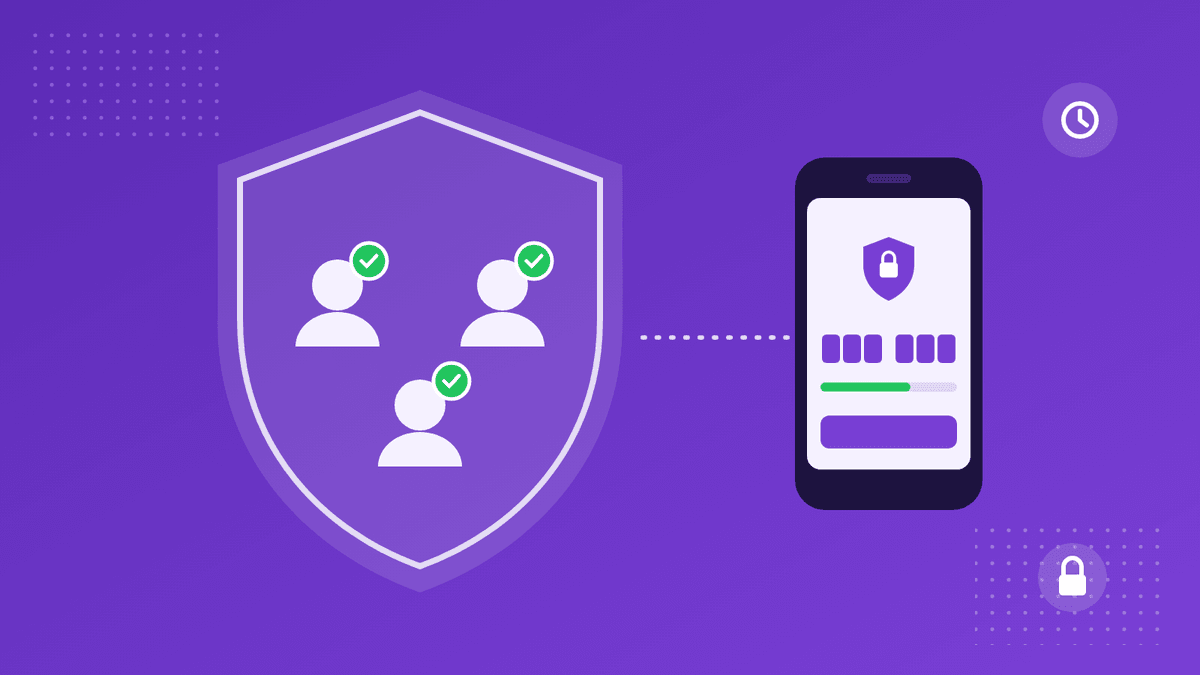
A shared credential is only as well protected as the weakest account that can open it. In a team that shares access to client systems, cloud consoles and vendor portals, that weakest account is usually a colleague who never got round to turning on two-factor authentication. It isn't carelessness so much as a setting nobody asked them to change.
Two-factor authentication is not a complete answer. Our breakdown of the Microsoft 365 token-spraying campaign showed attackers walking past MFA by stealing the session that MFA produces. But it remains the floor. An account protected by a password alone falls to a single phished or reused password, and in a credential-sharing tool that account can hold the keys to everything else.
So since October 24, a CredenShare team owner can require it of everyone.
How does the team requirement work?
The control sits in the team's settings, in a box headed Two-factor authentication, and only the team owner sees it. Tick Require two-factor authentication, choose when it starts (immediately, or in 3, 7 or 14 days) and save. It covers everyone in the team, the owner and admins included. Personal workspaces are not affected.
The owner has to go first: an owner without two-factor authentication on their own account can't require it of others, and the box says so, with a link to turn it on. Either of CredenShare's second factors counts, an authenticator app or emailed codes.
During the grace period, members who don't have it yet keep their access and see a banner across the app giving the date and a button to turn it on. Once the requirement applies, a member without two-factor authentication who opens the team lands on a page explaining what the team requires, with a button to turn it on and another to carry on in their personal workspace. The team's shares, requests, settings and member list stay closed to them until they do, and open again the moment they turn it on, with nobody needing to approve anything.
Two details matter for teams that automate. API keys that act in the team are covered too: a team key whose owner hasn't turned on two-factor authentication is refused by the REST API and by the MCP server. And owners and admins get a 2FA column in the member list showing who has it on, without revealing which method anyone uses.
Members who sign in with Google only can't add CredenShare's own second factor. For them, the owner can choose to accept Google sign-in as the second factor, with the box stating plainly that we can't see whether their Google 2-Step Verification is on. It is off by default.
What about the people you share with?
Requiring two-factor authentication inside the team protects the people who create shares. The other half is the people who open them. Every share, on every plan, can require its viewer to sign in to a CredenShare account, and can require that account to have two-factor authentication. The viewer meets those checks before the content opens, and each view is then attributed to a named account rather than only an IP address.
For teams that want that to be the rule rather than a box someone remembers to tick, the team's sharing policy can suggest or require it for every new share and request, alongside a maximum expiry, a view limit, a passcode and click to reveal. A suggestion starts the create form with the setting already chosen; a requirement locks it, with a note explaining why.
What it doesn't do
It doesn't make a phishing-resistant sign-in out of a code, and it doesn't stop someone handing a code to an attacker who asks convincingly. It does make sure nobody in the team is protected by a password alone, and it gives owners a list to check rather than an assumption. If your team also has to share 2FA for accounts outside CredenShare, our guide to sharing 2FA codes with your team covers how to do that without weakening it.
The team requirement and the sharing policy are available on the Basic, Plus, Business and Enterprise plans. The full details are in the policy and audit documentation.
Sources (checked on November 3, 2026):
CredenShare docs: Policy and audit ·
CredenShare docs: Creating a share (access control) ·
CredenShare changelog
Product names are trademarks of their respective owners. CredenShare is not affiliated with them.
Make two-factor authentication the rule for your team
The team requirement and sharing policy are on Basic, Plus, Business and Enterprise.
Written by
CredenShare
The CredenShare team writes about secure credential sharing, password management, and enterprise security best practices.